Surf cams plus forecast

Hawaii Surf Cams

Hawaii cams help you see the real ocean energy, but the decision still needs wind, tide, swell direction, and skill-level honesty.

Surfer watching the lineup used as broad Hawaii camera planning context

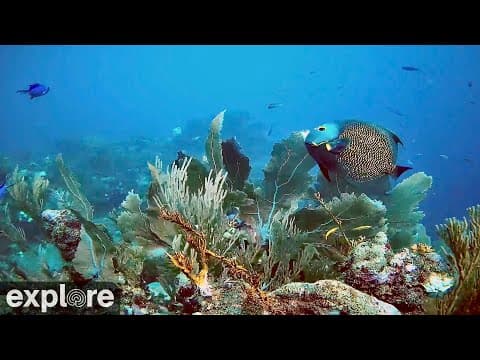
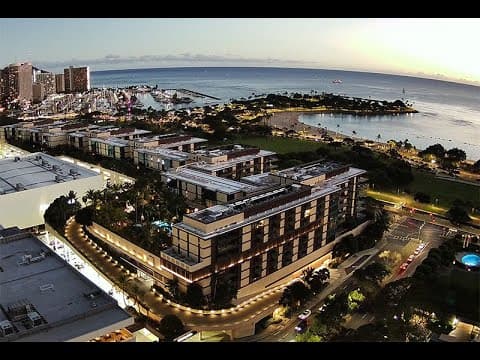
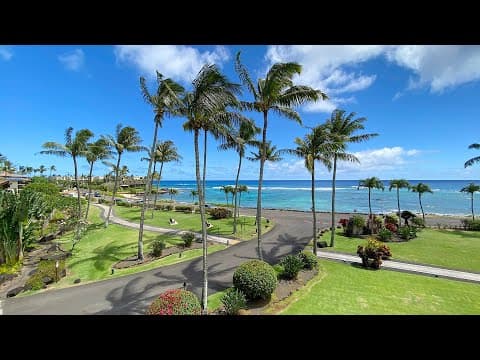
Live cameras in Hawaii

Start with the highest-signal checks, then use the forecast context before changing spots.

3 more regional cameras stay available in Quiver and on the map once you know which zone is worth a closer look.

What to watch on Hawaii cams

Look for set spacing, reef exposure, channel traffic, and whether the lineup matches your ability. Warm water does not make heavy surf forgiving.

Cam plus forecast

Use cams to verify the visual read, then use Quiver's forecast context to decide whether the next window is improving or getting less safe.

Nearby planning links

For Waikiki-style waves, pair cams with Honolulu beginner and longboard guides. For heavier surf, make the safety filter the first decision.

Nearby backup spots

Frequently Asked Questions

About surfing in Hawaii

Cams are useful for seeing shape, crowd, and texture, but they do not replace tide, wind, swell direction, or forecast confidence. Use cams and Quiver together.
Watch wave shape, closeouts, drift, crowd spacing, and whether the best sets match the forecast. One good-looking set is not enough by itself.
Quiver links real camera coverage with live forecast context so you can compare what the ocean looks like with what the data says should happen next.
This SEO cam system only indexes regions where Quiver has real cam coverage. Santa Cruz should stay out of the sitemap until real camera rows exist.

Make the call with Quiver

Use the page context for planning, then open Quiver for live surf conditions, best windows, tide risk, and session logging.