San Diego Surf Cams
Use San Diego cams to verify shape and crowd, then use Quiver to decide whether the tide and wind window is still worth the drive.
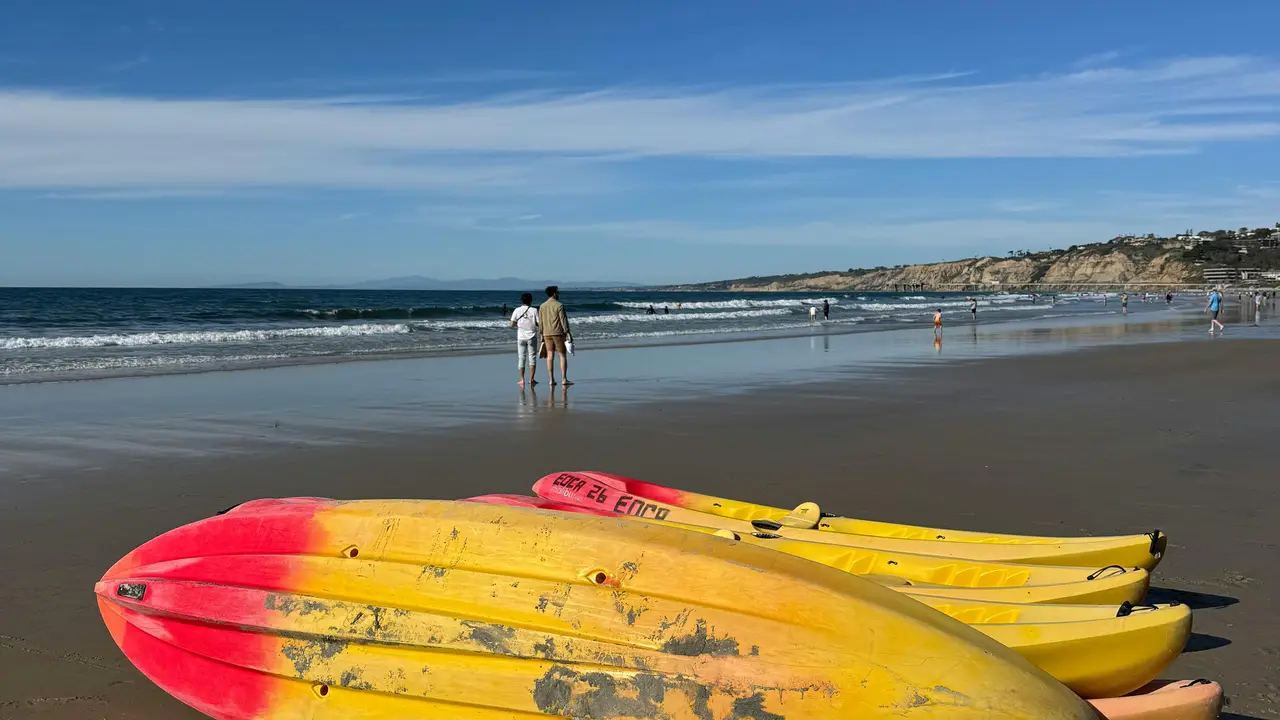
Live cameras in San Diego
Start with the highest-signal checks, then use the forecast context before changing spots.
Ocean Beach
Watch live cam →
 LIVE
LIVEOcean Beach Pier
Watch live cam →
 LIVE
LIVETourmaline Beach
Watch live cam →
Pacific Beach
Watch live cam →
 LIVE
LIVEBlacks Beach
Watch live cam →
 LIVE
LIVEScripps
Watch live cam →
10 more regional cameras stay available in Quiver and on the map once you know which zone is worth a closer look.
What to watch on San Diego cams
Check whether Scripps and PB are closing out, whether Tourmaline is soft enough for logs, and whether the wind line is already moving down the coast.
Cam plus forecast
A cam tells you what one angle looks like now. Quiver adds tide, wind, swell, and best-window context so you can decide before you park.
Nearby planning links
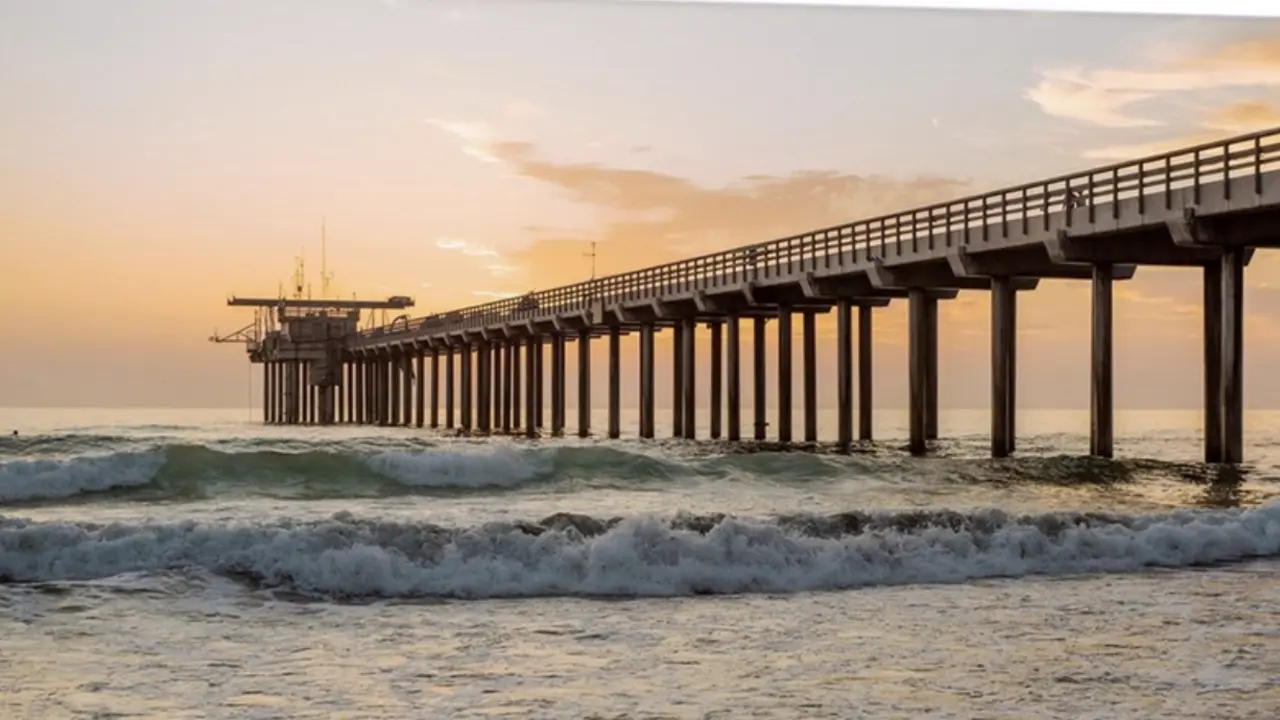
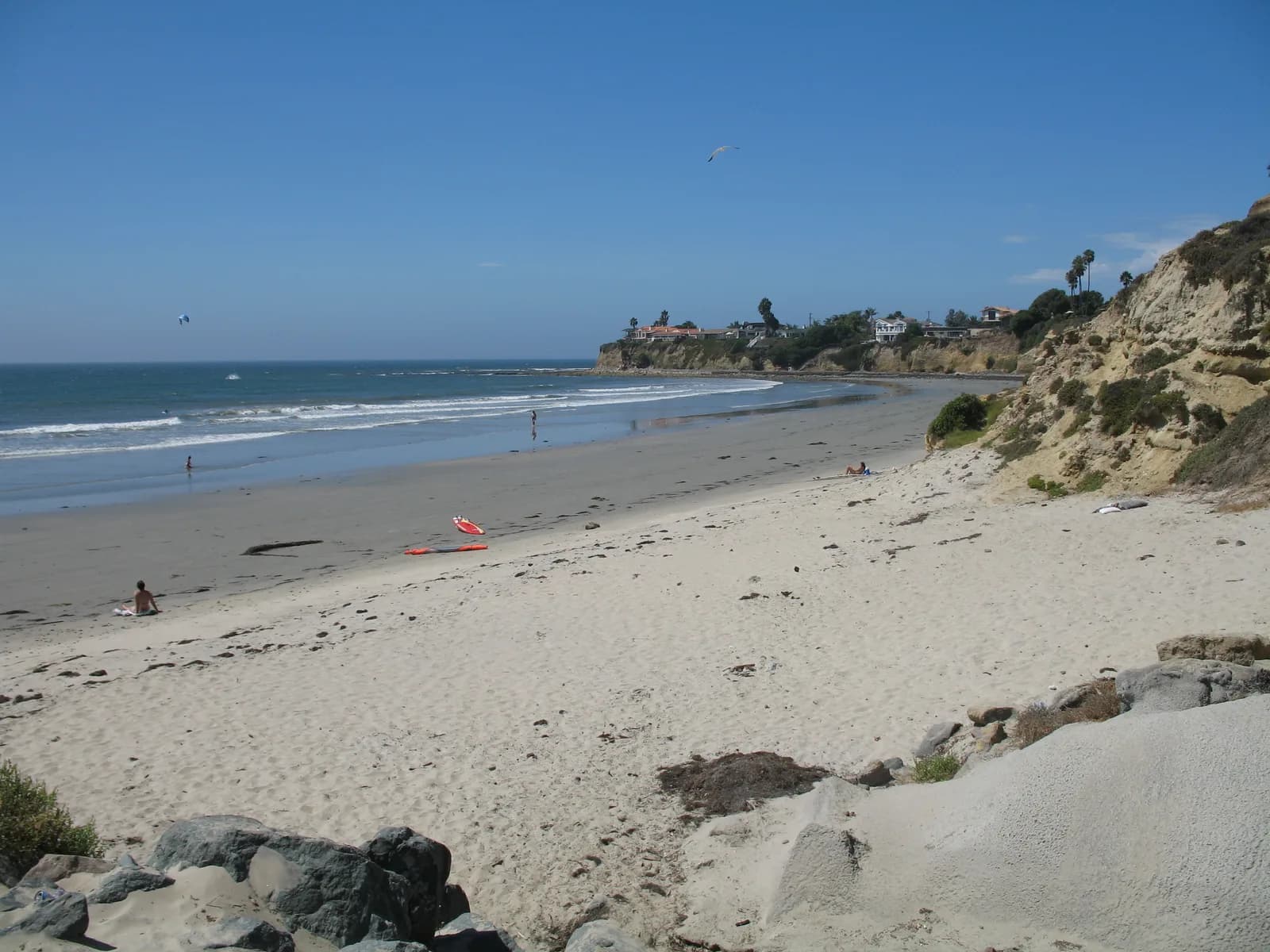
Pair cams with today's Scripps or Tourmaline call, then keep beginner and longboard alternatives ready.
Nearby backup spots

Keep planning
Frequently Asked Questions
About surfing in San Diego
- Cams are useful for seeing shape, crowd, and texture, but they do not replace tide, wind, swell direction, or forecast confidence. Use cams and Quiver together.
- Watch wave shape, closeouts, drift, crowd spacing, and whether the best sets match the forecast. One good-looking set is not enough by itself.
- Quiver links real camera coverage with live forecast context so you can compare what the ocean looks like with what the data says should happen next.
- This SEO cam system only indexes regions where Quiver has real cam coverage. Santa Cruz should stay out of the sitemap until real camera rows exist.
Make the call with Quiver
Use the page context for planning, then open Quiver for live surf conditions, best windows, tide risk, and session logging.
